
Chas - Support

A local time tracker for macOS. Know where your hours go.

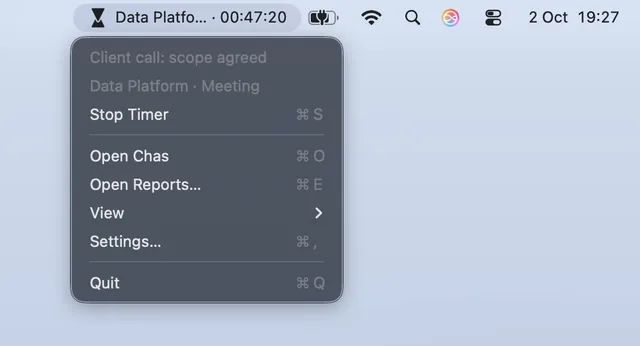
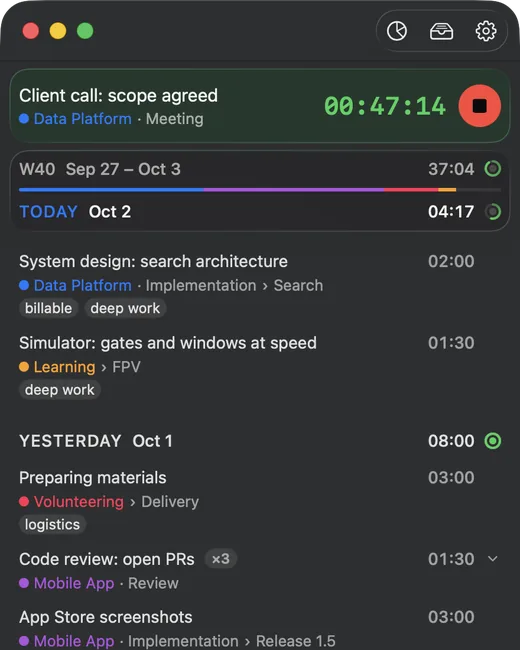
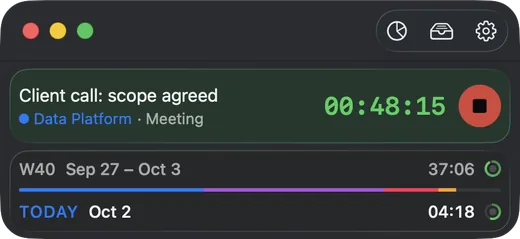
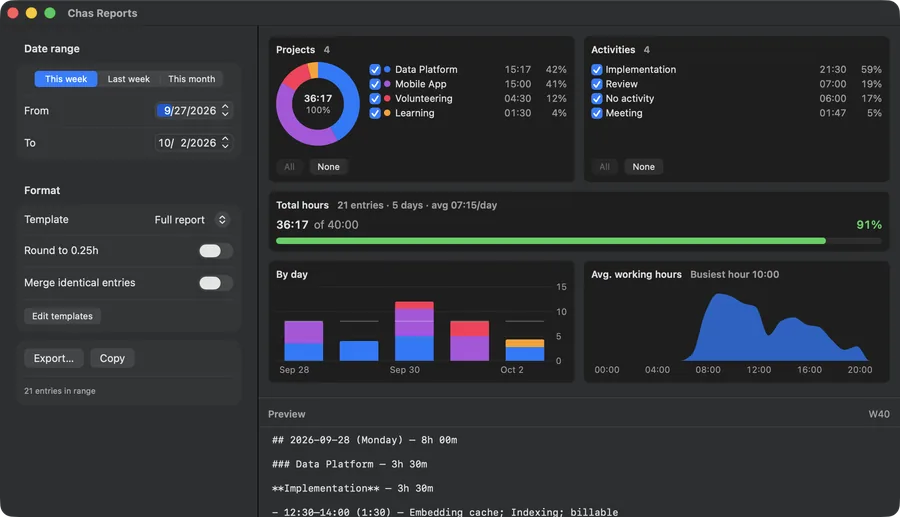
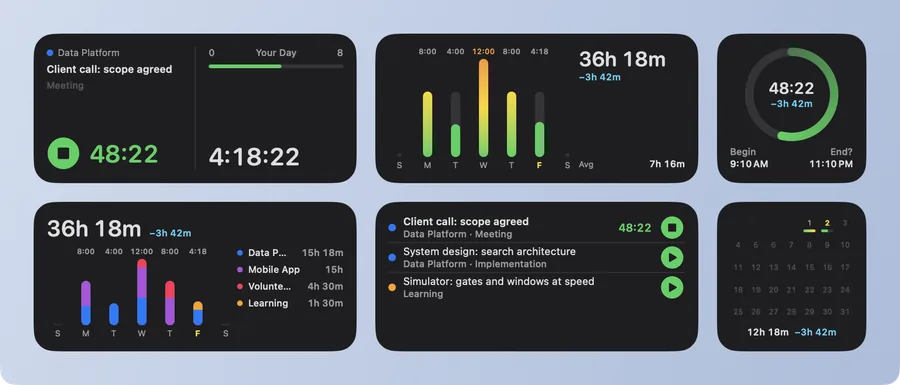
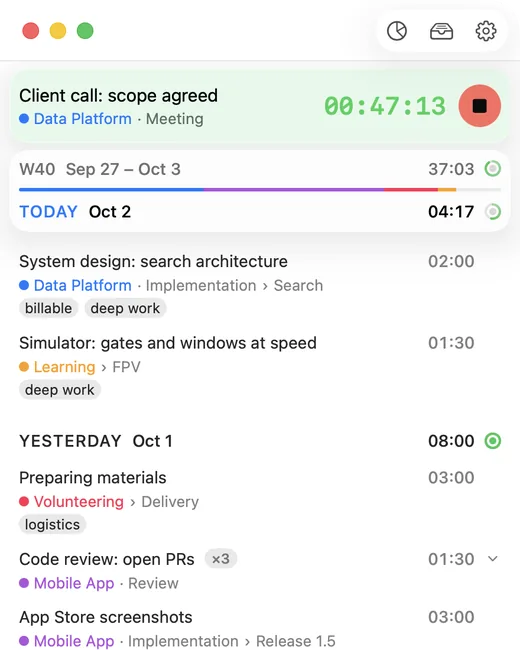
Chas keeps time tracking simple and private: a timer in your menu bar, entries grouped by day and week, projects, tasks, tags, goals, and markdown/CSV reports. Everything is stored locally on your Mac - no cloud, no account, no tracking.

Frequently asked questions

Where is my data stored?
Locally on your Mac, in the app's private container. Nothing is uploaded or synced anywhere.
How do I export or back up my data?
Open Reports (⌘E) to export your entries as Markdown or CSV, or create a full JSON backup of all data.
Why did my timer stop by itself?
By default, Chas stops the timer when the screen locks or the Mac goes to sleep, and asks what to do when you're back. You can change this in Settings → Idle & Lock.
How do I delete all my data?
Settings → Data → Delete All Data. This is permanent - consider a JSON backup first.
How do I restore my support subscription?
Settings → Donation → Restore Subscription.
Which macOS versions are supported?
macOS 15 (Sequoia) or later.

Need help or found a bug?

Write to support [at] klvr.dev - every message is read and answered by the developer.